
In this tutorial, I will explain everything about the count() function in Python with examples. I will let you know how to work with the Python count function.
The count function in Python is a built-in method used to determine the number of times a specified value appears in a list. Its syntax is list.count(value), where list is the list you are examining and value is the item you want to count. For example, given a list cities = ["New York", "Los Angeles", "Chicago", "New York"], calling cities.count("New York") would return 2, indicating that “New York” appears twice in the list.
COUNT() Function in Python
The count function in Python is a built-in method that returns the number of times a specified value appears in a list or a string. This function is extremely useful when you need to count occurrences of elements or substrings in your data.
Syntax of the count Function
The syntax for the count function varies slightly depending on whether you’re working with lists or strings. Let’s look at both.
List count Method
For lists, the syntax is:
list.count(value)list: The list in which you want to count the occurrences of the specified value.value: The value you want to count in the list.
String count Method
For strings, the syntax is:
string.count(value, start, end)string: The string in which you want to count the occurrences of the specified value.value: The substring you want to count in the string.start(optional): The starting index from where the search begins.end(optional): The ending index where the search stops.
Check out Sum() Function in Python
Python Count() Function Examples
Now, let me show you some real examples of Python count() function with the complete code.
Here, we will see how the count function works in both lists and strings in Python.
Example 1: Count Elements in a List
In the first example, let me show you how to count elements in a Python list.
Consider a list of popular USA cities:
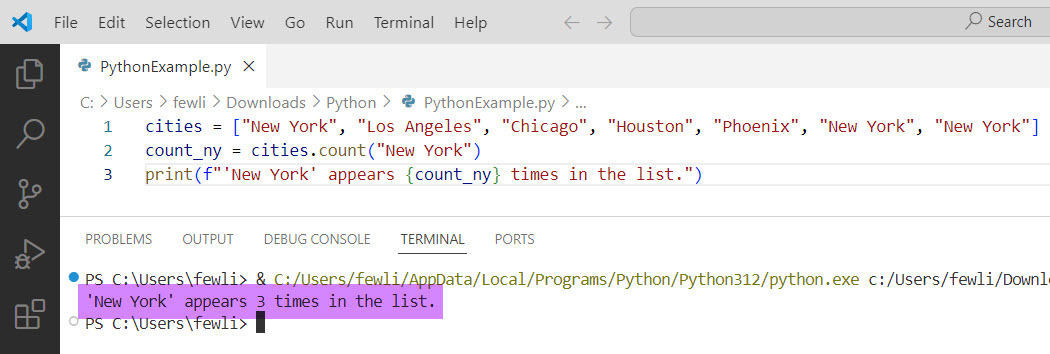
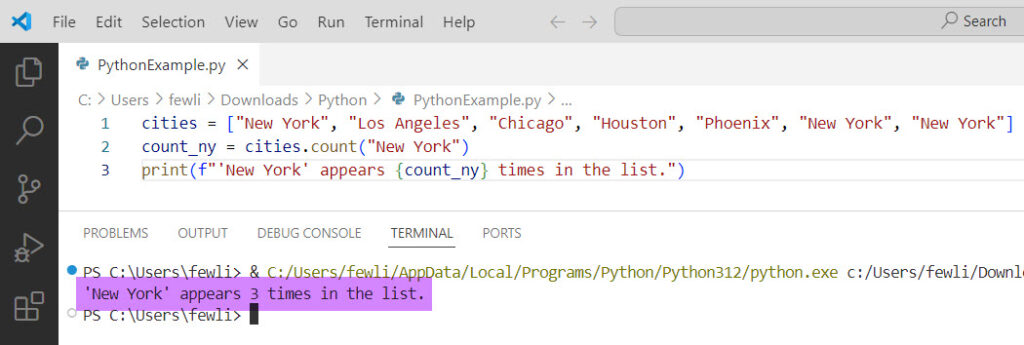
cities = ["New York", "Los Angeles", "Chicago", "Houston", "Phoenix", "New York", "New York"]To count how many times “New York” appears in the list, you would use:
count_ny = cities.count("New York")
print(f"'New York' appears {count_ny} times in the list.")
Output:
'New York' appears 3 times in the list.The output is in the screenshot below. After I executed the above Python code using VS code,
Example 2: Count Substrings in a String
Here are other examples of how to use the count function in Python. In this case, I will show you how to count substrings in a string in Python.
Now, let’s take a string that represents a sentence about USA landmarks:
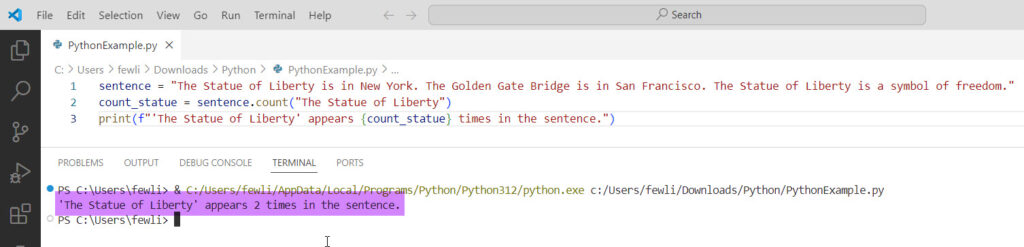
sentence = "The Statue of Liberty is in New York. The Golden Gate Bridge is in San Francisco. The Statue of Liberty is a symbol of freedom."To count how many times “The Statue of Liberty” appears in the string, you would use:
count_statue = sentence.count("The Statue of Liberty")
print(f"'The Statue of Liberty' appears {count_statue} times in the sentence.")
Output:
'The Statue of Liberty' appears 2 times in the sentence.Here is the output in the screenshot below:
Read Strip() Function in Python
Example 3: Using Start and End Parameters
You can also specify the start and end parameters to count occurrences within a specific portion of a string. Let’s modify our previous example:
count_statue_partial = sentence.count("The Statue of Liberty", 0, 50)
print(f"'The Statue of Liberty' appears {count_statue_partial} times in the first 50 characters of the sentence.")
Output:
'The Statue of Liberty' appears 1 time in the first 50 characters of the sentence.Conclusion
The count function in Python is used to count occurrences of elements in lists and substrings in strings. In this tutorial, I have explained how to use the count function in Python with examples.
You may also like:

I’m Michelle Gallagher, a Senior Python Developer at Lumenalta based in New York, United States. I have over nine years of experience in the field of Python development, machine learning, and artificial intelligence. My expertise lies in Python and its extensive ecosystem of libraries and frameworks. Throughout my career, I’ve had the pleasure of working on a variety of projects that have leveraged my skills in Python and machine learning. Read more…