
To be a machine learning or Python developer, you should know about Python functions. In this tutorial, I will show you how to call a function in Python with different examples. I will explain its syntax and provide some examples for different scenarios.
To call a function in Python, you first need to define it using the def keyword followed by the function name and parentheses containing any parameters. For example, you can define a function add_numbers as def add_numbers(a, b): return a + b. To call this function and pass arguments, simply use its name followed by parentheses and the arguments, like result = add_numbers(5, 3). This will execute the function and store the result in the variable result.
Call a Function in Python
A function in Python is a block of reusable code that performs a specific task. Functions help break our program into smaller and modular chunks, making the code more organized and manageable. You can check out a tutorial on Python functions if you are starting now.
But before calling a Python function, let me show you how to define a function in Python and its basic syntax.
def function_name(parameters):
    # Function body
    return result
To call this function, simply use its name followed by parentheses and pass any required arguments:
function_name(arguments)Note: I used VS code to execute all the Python code and examples below; you can use any editor you prefer.
Example: Define and Call a Simple Python Function
Let’s start with a basic example. We’ll define a function that adds two numbers in Python and returns the result.
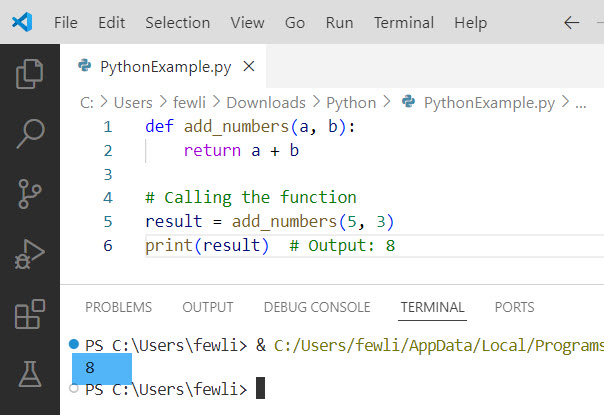
def add_numbers(a, b):
    return a + b

# Calling the function
result = add_numbers(5, 3)
print(result)  # Output: 8
In this example, we defined a function called add_numbers that takes two parameters, a and b. We then called the function with the arguments 5 and 3, and printed the result.
You can see the output in the screenshot below:
Check out Python Function Examples with Parameters
Call A Python Functions with Default Parameters
Python allows you to define functions with default parameter values. This can be useful when you want to provide default behavior while still allowing for customization.
Let me show you now, how to call a Python function with default parameters with an example.
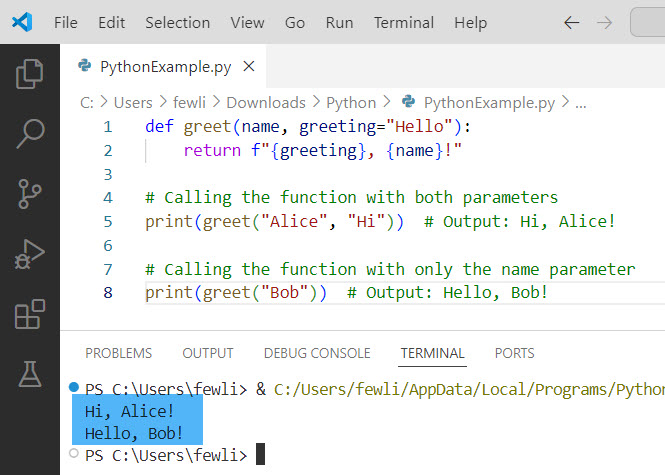
def greet(name, greeting="Hello"):
    return f"{greeting}, {name}!"

# Calling the function with both parameters
print(greet("Alice", "Hi"))  # Output: Hi, Alice!

# Calling the function with only the name parameter
print(greet("Bob"))  # Output: Hello, Bob!
In this example, the greet function has a default value for the greeting parameter. If no greeting is provided, it defaults to “Hello”.
Here is the output you can see in the screenshot below:
Call Functions with Keyword Arguments in Python
You can also call functions using keyword arguments, which makes your code more readable and allows you to specify arguments in any order.
Here is an example of how to call a function in Python with arguments.
def describe_pet(pet_name, animal_type="dog"):
    return f"I have a {animal_type} named {pet_name}."

# Using keyword arguments
print(describe_pet(pet_name="Whiskers", animal_type="cat"))  # Output: I have a cat named Whiskers.
print(describe_pet(animal_type="hamster", pet_name="Nibbles"))  # Output: I have a hamster named Nibbles.
Check out Return Multiple Values from a Function in Python
Call Python Functions with Arbitrary Arguments
Sometimes, you might not know in advance how many arguments a function needs to accept in a Python function. In such cases, you can use arbitrary arguments.
Here is an example. You will learn how to call a Python function with arbitrary arguments.
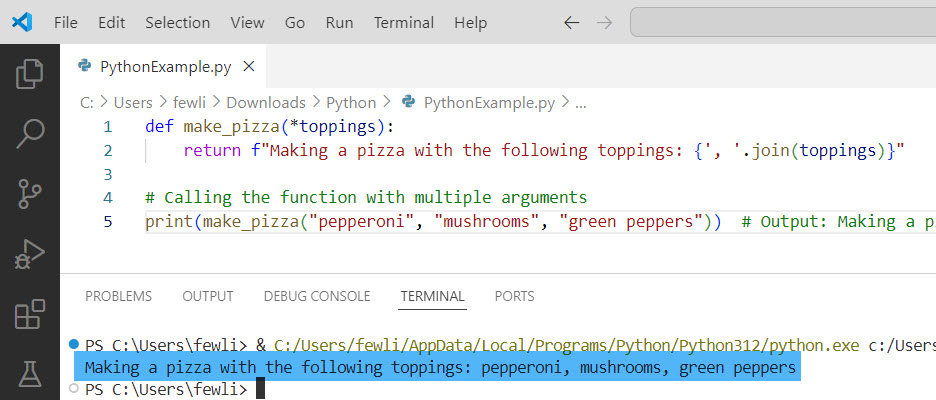
def make_pizza(*toppings):
    return f"Making a pizza with the following toppings: {', '.join(toppings)}"

# Calling the function with multiple arguments
print(make_pizza("pepperoni", "mushrooms", "green peppers"))  # Output: Making a pizza with the following toppings: pepperoni, mushrooms, green peppers
Here, the make_pizza function accepts an arbitrary number of toppings and combines them into a single string.
You can check the exact output in the screenshot below:
Call Python Functions Dynamically
In some advanced scenarios, you might need to call Python functions dynamically. This can be achieved using the getattr function, which allows you to retrieve a function by name at runtime.
Here is an example.
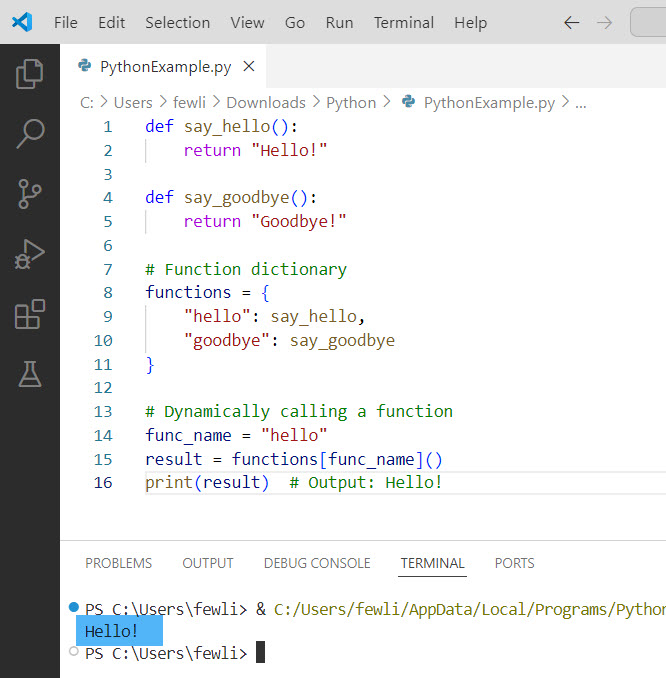
def say_hello():
    return "Hello!"

def say_goodbye():
    return "Goodbye!"

# Function dictionary
functions = {
    "hello": say_hello,
    "goodbye": say_goodbye
}

# Dynamically calling a function
func_name = "hello"
result = functions[func_name]()
print(result)  # Output: Hello!
In this example, we used a dictionary to map function names to their corresponding functions, allowing us to call them dynamically based on the value of func_name.
Here is the exact output in the screenshot below:
Check out Python Function Naming Conventions
Call Function Dynamically with Arguments in Python
Sometimes, you need to call a Python function dynamically and pass arguments to it. This can be done using the getattr function in combination with *args and **kwargs to handle positional and keyword arguments.
Here is an example.
def add(a, b):
    return a + b

def multiply(a, b):
    return a * b

# Function dictionary
functions = {
    "add": add,
    "multiply": multiply
}

# Dynamically calling a function with arguments
func_name = "multiply"
args = (5, 3)
result = functions[func_name](*args)
print(result)  # Output: 15
In this example, we dynamically called the multiply function with arguments 5 and 3 using the *args syntax to unpack the arguments.
Conclusion
In this tutorial, I have explained how to call functions in Python, including the syntax, description, and various examples. We discussed defining and calling simple functions in Python, using default parameters, keyword arguments, and handling arbitrary arguments. I also showed examples of dynamically calling functions in Python. I hope you are confident now about calling the Python function. Still have questions? Feel free to comment below.
You may also like:

I’m Michelle Gallagher, a Senior Python Developer at Lumenalta based in New York, United States. I have over nine years of experience in the field of Python development, machine learning, and artificial intelligence. My expertise lies in Python and its extensive ecosystem of libraries and frameworks. Throughout my career, I’ve had the pleasure of working on a variety of projects that have leveraged my skills in Python and machine learning. Read more…