
When working with variables in Python, knowing what data type you are dealing with is important. Two of the most common data types are integers (whole numbers like 1, 42, -5) and strings (text like “hello”, “42”, “USA”). In this tutorial, I will explain several ways to check if a variable is an integer or string in Python.
To check if a variable is an integer or string in Python, simply use the built-in type() function. Pass the variable to type() and it will return the data type of the variable, such as <class 'int'> for an integer or <class 'str'> for a string. This is the best way to determine the type of a variable in Python.
Method 1: Using type()
The best and most recommended way to check a variable’s data type is by using Python’s built-in type() function. It returns the type of the object passed to it. Here’s an example:
zip_code = "90210"
population = 329500000

print(type(zip_code))     # Output: <class 'str'>
print(type(population))   # Output: <class 'int'>
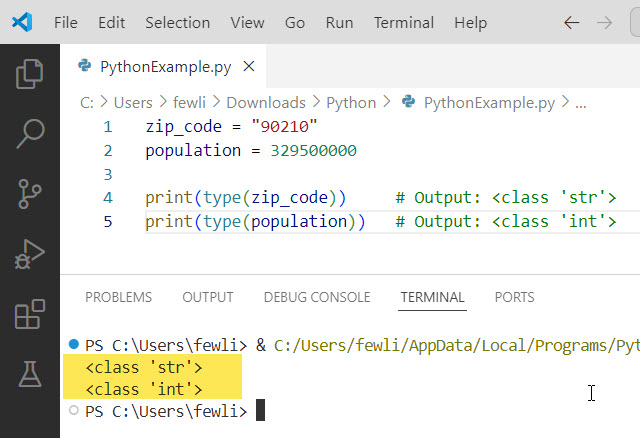
As you can see, type(zip_code) returns <class 'str'>, indicating zip_code is a string. And type(population) returns <class 'int'>, confirming population is an integer.
Here is the output in the screenshot below:
Check out Print Variable Names in a For Loop in Python
Method 2: Using isinstance()
Another way to check if a variable is a specific data type in Python is with the isinstance() function. It takes the variable and data type as arguments and returns True if the variable is that type, False otherwise. For example:
state = "California"
year = 1850

print(isinstance(state, str))        # Output: True
print(isinstance(state, int))        # Output: False
print(isinstance(year, int))         # Output: True
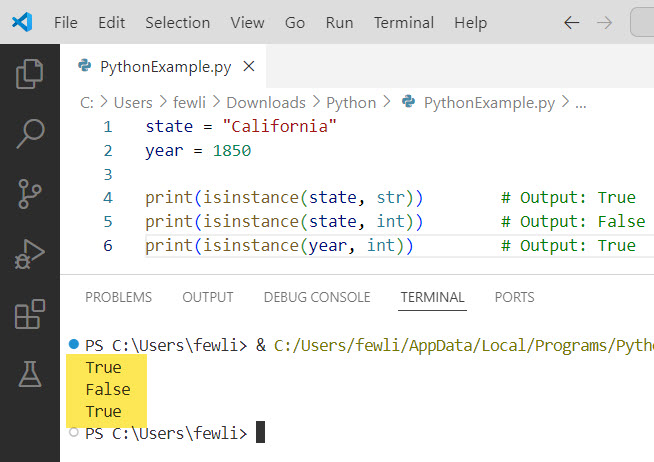
Here, isinstance(state, str) returns True because state is a string. But isinstance(state, int) is False since state is not an integer. And isinstance(year, int) is True as expected for the integer year.
Here is the output in the screenshot below:
Method 3: Using str.isdigit()
If you have a string, you can check if it contains only digits 0-9 using the string’s isdigit() method in Python. This is useful for checking if a string like "1776" can be converted to an integer. For example:
phone_number = "212-555-1234"
zip_code = "10001"

print(phone_number.isdigit())   # Output: False
print(zip_code.isdigit())       # Output: True
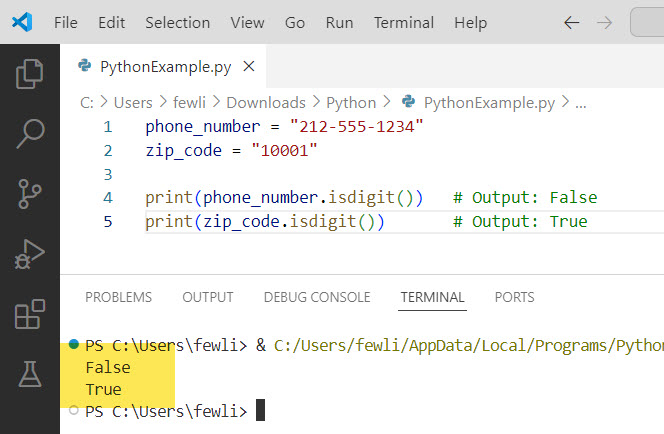
The string phone_number contains digits but also dashes, so phone_number.isdigit() is False. But zip_code contains only digits, so zip_code.isdigit() returns True, indicating it can be converted to an integer with int(zip_code).
Here is the output in the screenshot below:
Summary
In this tutorial, I have explained how to check if a variable is an integer or string in Python by using the below methods:
- Using the
type()function to return the variable’s data type - Using
isinstance()to check if the variable is a specific type - Using
str.isdigit()to test if a string contains only digits
I hope this helps you determine whether your Python variables are integers or strings! Let me know if you have any other questions.
You may like the following tutorials:
- Create Dynamic Variables in Python
- Create Multiple Variables in a For Loop in Python
- Check if a Variable Contains an Integer in Python

I’m Michelle Gallagher, a Senior Python Developer at Lumenalta based in New York, United States. I have over nine years of experience in the field of Python development, machine learning, and artificial intelligence. My expertise lies in Python and its extensive ecosystem of libraries and frameworks. Throughout my career, I’ve had the pleasure of working on a variety of projects that have leveraged my skills in Python and machine learning. Read more…